Automation & Scheduled Runs

Automate Your Data Analysis & Reports

Schedule automated runs, generate reports on demand, and deliver insights automatically. Set up once and let your data work for you with scheduled analyses, automated reports, and real-time data synchronization.

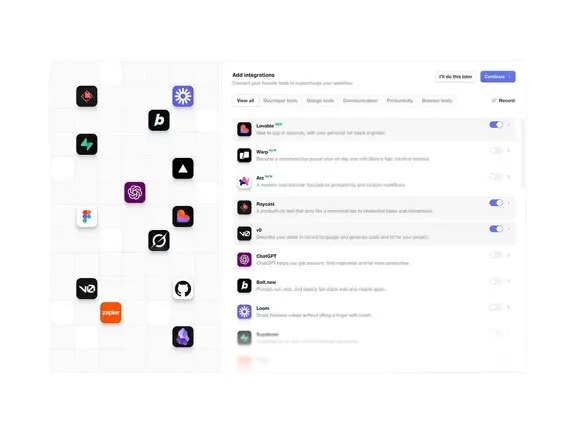
Automation dashboard showing scheduled runs, automated workflows, and report scheduling interface. The interface displays scheduled analyses with calendar views, recurring report configurations, and automated delivery settings for email and Slack notifications. Clean, professional UI highlighting automation features for data workflows.
How It Works

Automate Recurring Workflows

Schedule automated runs for daily metrics, weekly KPIs, monthly reports, and more. Set up once and get insights delivered automatically to your team.
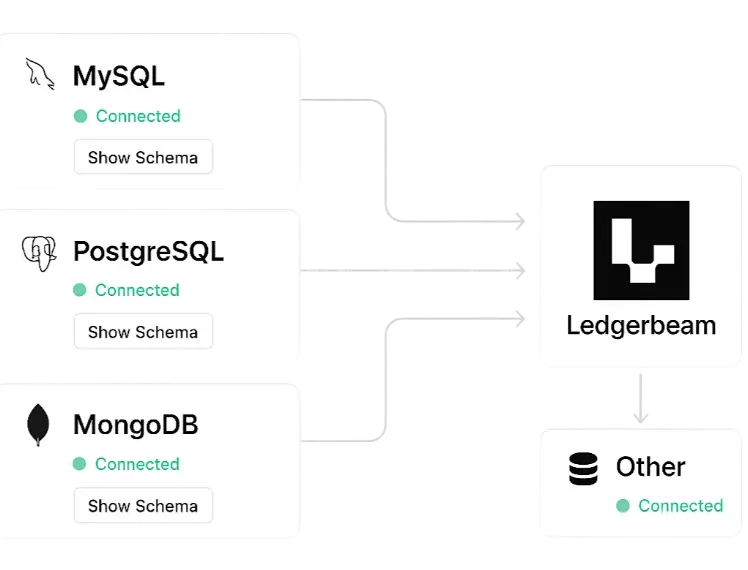
A data integration interface showing database connections in action. The interface displays connection panels for MySQL, PostgreSQL, MongoDB, and other databases with connection status indicators, schema previews, and real-time sync status. Clean UI with connection diagrams showing data flow between different database systems and the central Ledgerbeam platform.
Scheduled Runs

SCHEDULED ANALYSES

Automate your data analyses with scheduled runs. Set daily, weekly, or monthly schedules for recurring reports and insights. Always use the latest data with real-time connections to your databases and data sources.
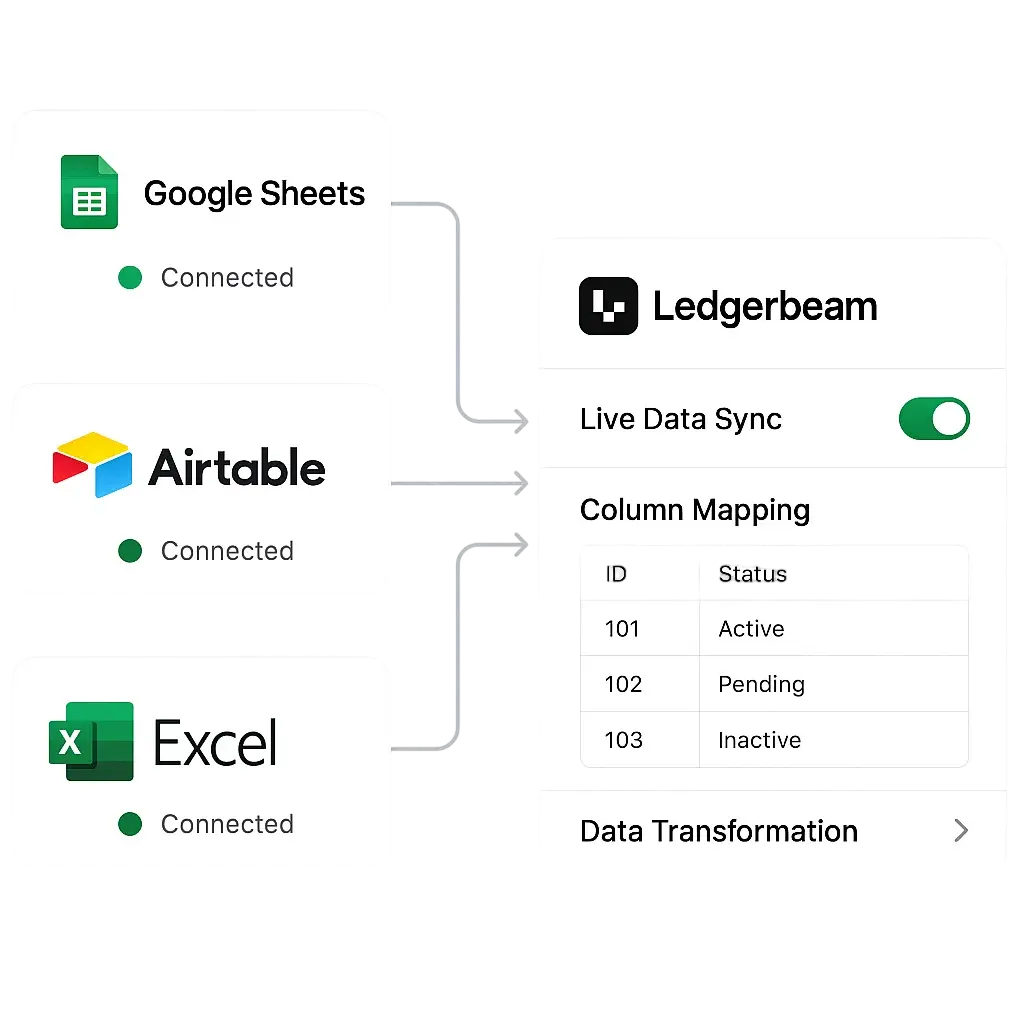
A spreadsheet integration interface showing Google Sheets, Airtable, and Excel connections. The interface displays live data sync from spreadsheets with real-time updates, column mapping, and data transformation options. Clean UI showing spreadsheet icons, connection status, and data preview panels with seamless integration workflows.
Auto Delivery

AUTOMATED DELIVERY

Get insights delivered automatically via email or Slack. Schedule reports to be sent to your team on a recurring basis. Never miss an update with automated notifications for daily metrics, weekly KPIs, and monthly summaries.
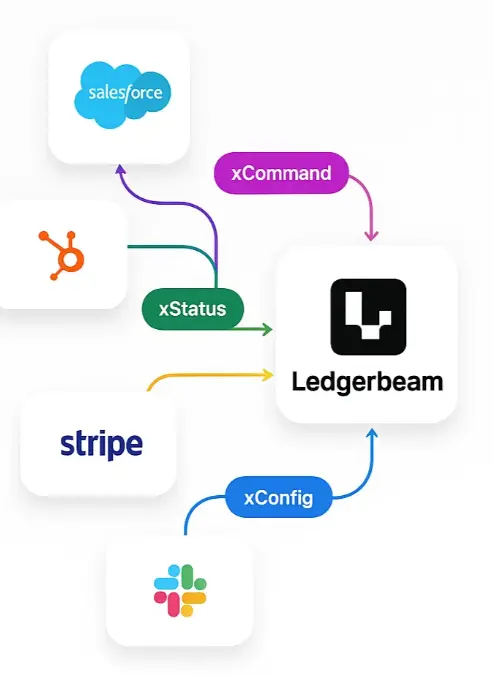
An API integration dashboard showing connections to various business tools and services. The interface displays API endpoints for Salesforce, HubSpot, Stripe, Slack, and other business applications with authentication status, rate limits, and data flow indicators. Clean UI with API documentation, connection testing tools, and real-time monitoring panels.
Data Sources

DATA CONNECTIONS

Connect to databases, spreadsheets, and business tools. MySQL, PostgreSQL, Google Sheets, Airtable, Stripe, and more. Scheduled runs always use the latest data from your connected sources with real-time synchronization.

Everything you need to automate your data workflows
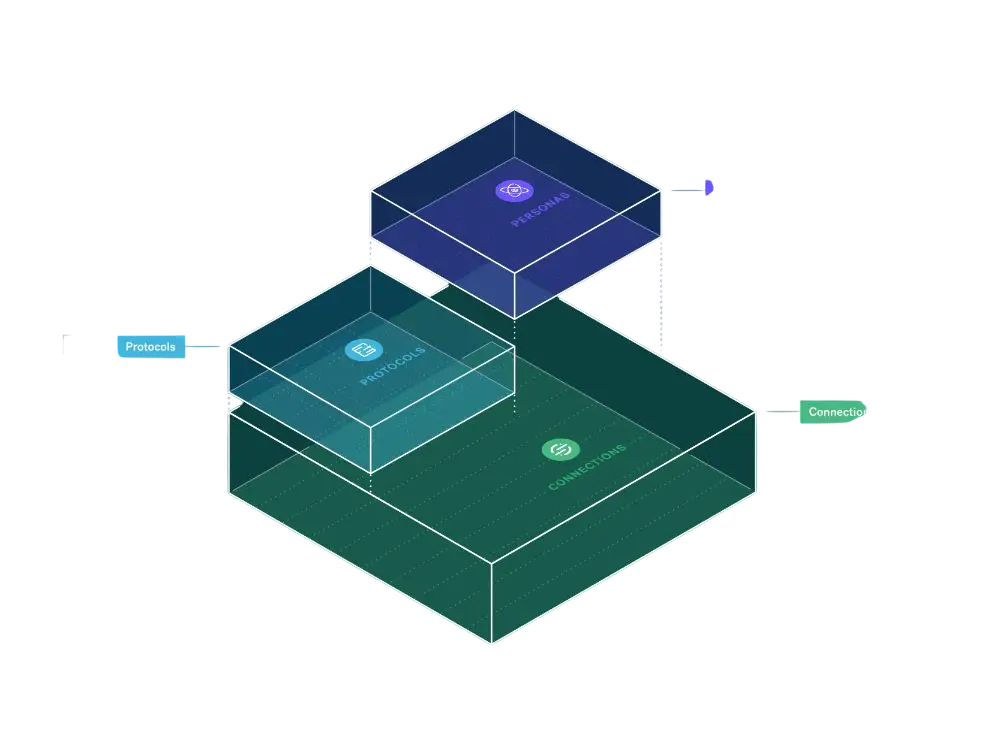
Database connector interface showing MySQL, PostgreSQL, MongoDB, and other database systems with connection status and schema previews
Scheduled Runs

Automate daily, weekly, and monthly analyses
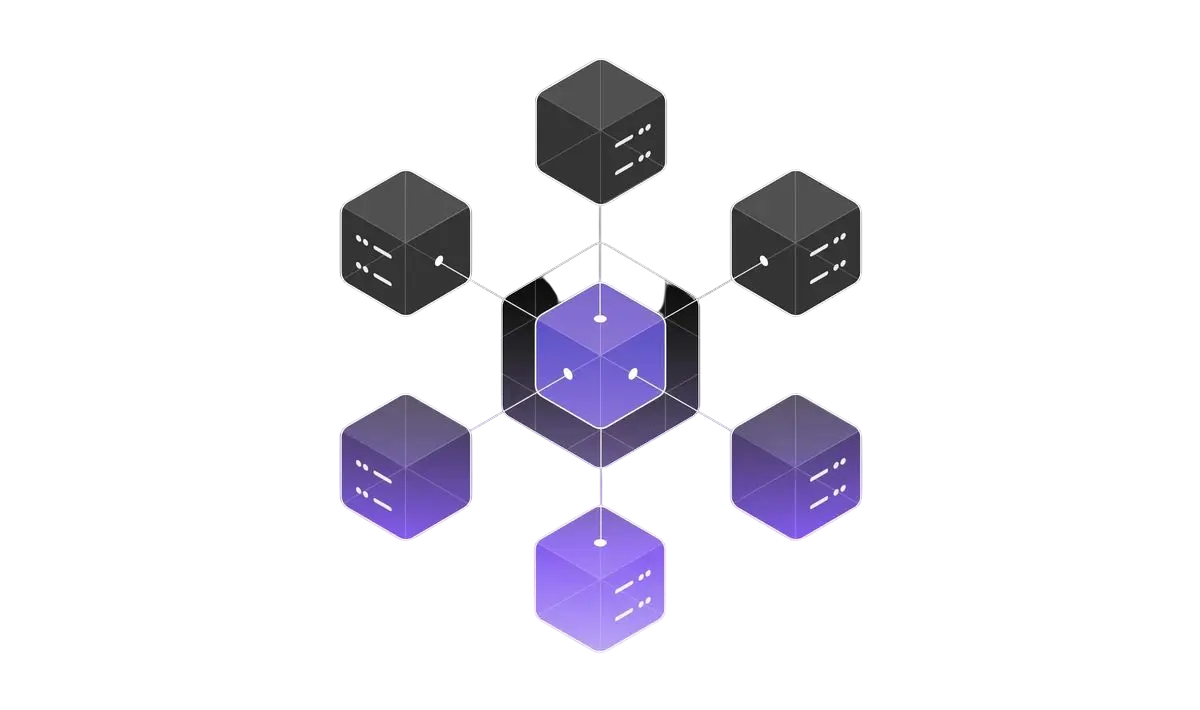
Spreadsheet connector interface showing Google Sheets, Airtable, Excel with real-time sync and data mapping
Auto Delivery

Send reports automatically via email or Slack

API connector interface showing business tool integrations like Salesforce, HubSpot, Stripe with authentication and data flow
Real-time Data

Always use the latest data from connected sources

Real-time synchronization dashboard showing live data flow between connected systems with status indicators and sync metrics
Recurring Reports

Automate daily metrics, weekly KPIs, monthly summaries

Enterprise security dashboard showing encryption, access controls, audit logs, and compliance features for data protection
Easy Setup

Configure schedules in minutes with simple workflows
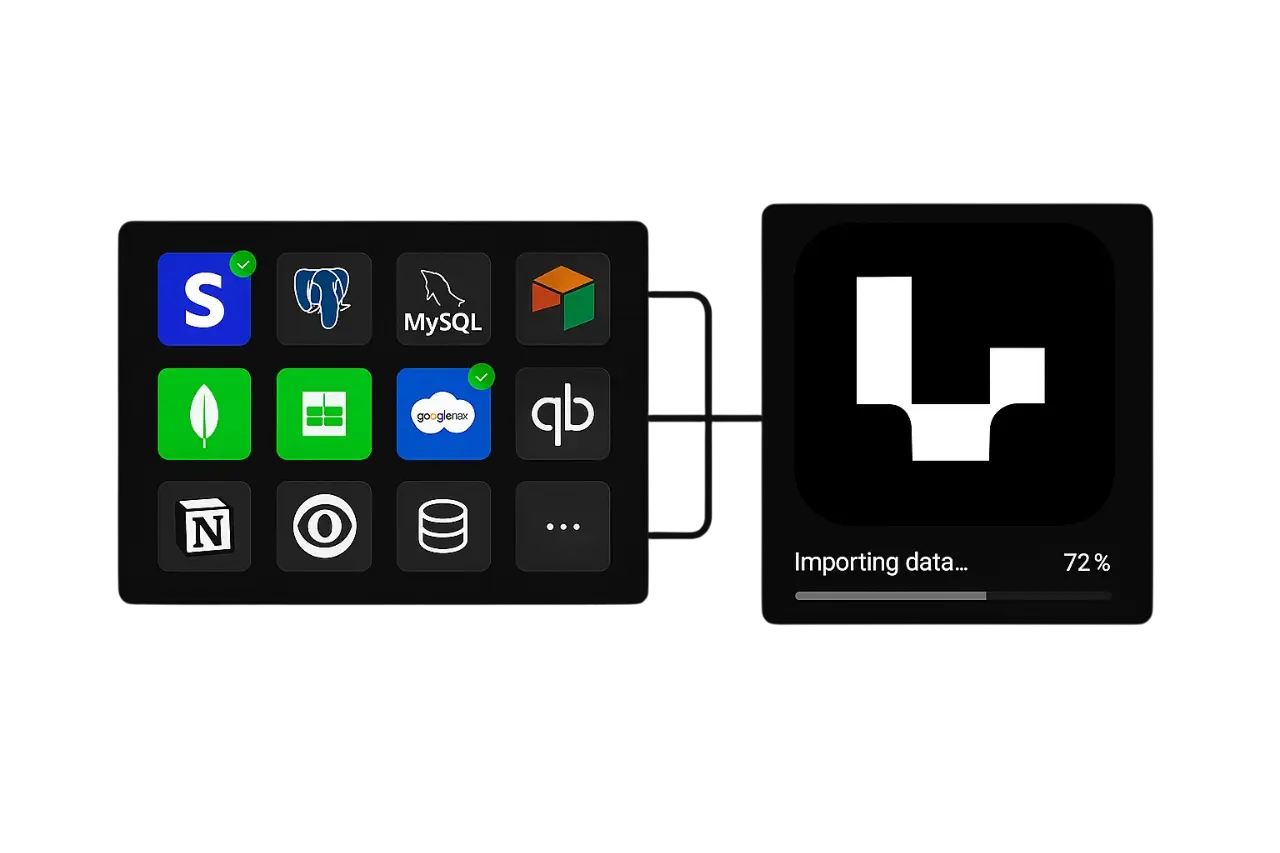
Easy setup interface showing one-click connection wizards, guided setup flows, and connection testing tools
Easy Setup

One-click setup with guided connection wizards

Ready to automate your data workflows?